
Interactive 3D Tools for Real Estate Sales: The Complete Guide (2026)
Static renders show a buyer one version of a unit. Interactive 3D tools let them build their own — swapping finishes, comparing unit types, and checking the view from their exact floor before they ever visit the site. Here's how Indian developers are using them to qualify buyers and cut sales cycles.
What Are Interactive 3D Tools in Real Estate?
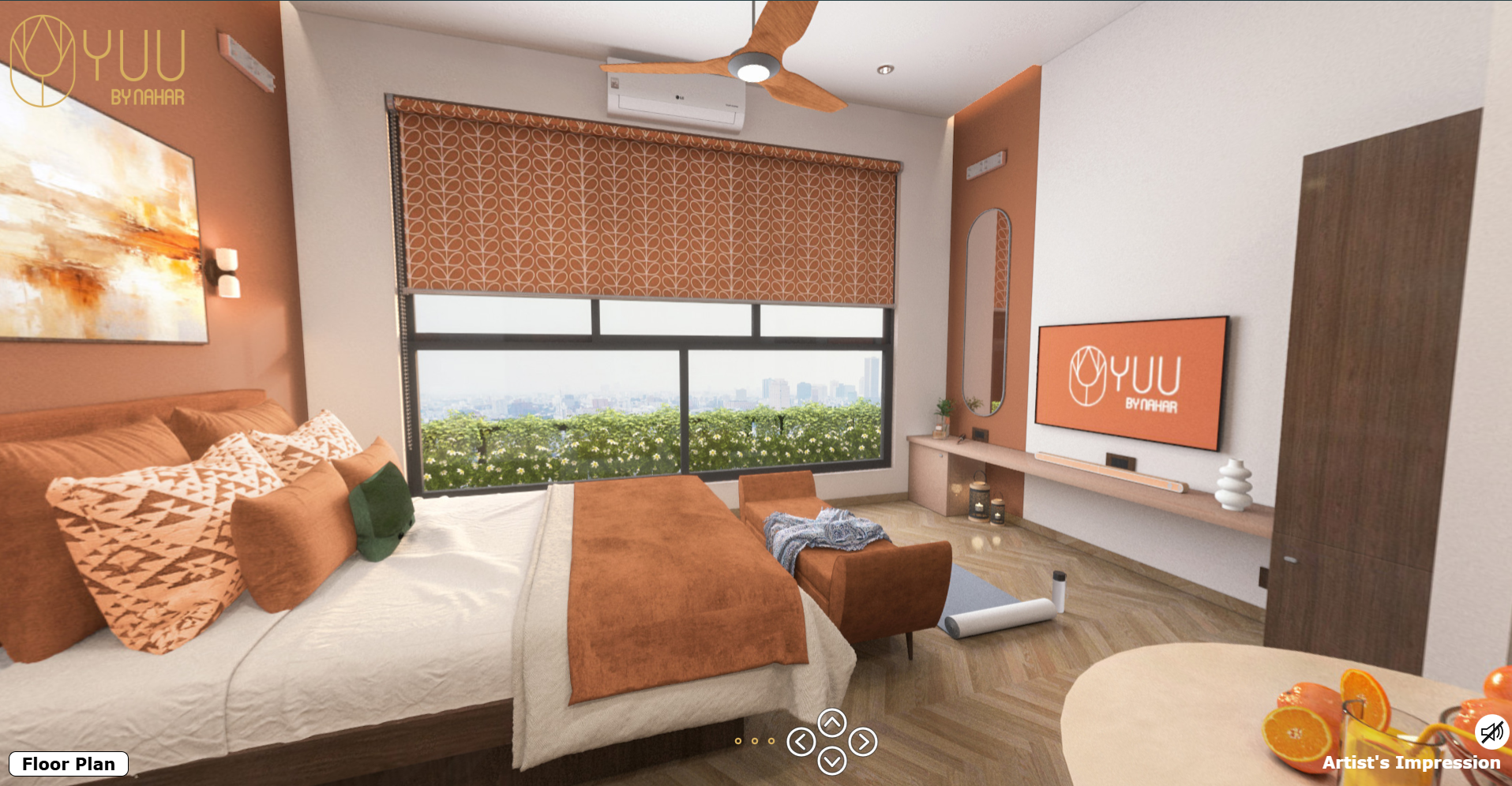
Interactive 3D tools are web or kiosk-based applications that let a buyer actively manipulate a real estate visualization instead of passively watching one. Rather than delivering a single fixed render or video, the studio builds a live 3D environment the buyer can control in real time — changing flooring, switching wall finishes, comparing unit layouts side by side, or checking exactly what the view looks like from a specific floor and facing direction.
Where a walkthrough video or a VR tour shows the buyer a curated version of the project, an interactive 3D tool hands the buyer the controls — turning the sales conversation from "here's what we built" into "here's what you can choose."
Why Developers Are Adding Interactive Tools to Their Sales Stack
Three sales pressures are driving adoption across large and mid-size Indian developers:
- Too many unit types for one sales conversation. A project with 8-12 typologies, multiple facing directions, and three finish tiers is impossible to fully explain with a brochure. An interactive tool lets the buyer filter and compare on their own.
- Buyers want to see "their" unit, not "a" unit. Generic renders showing a single showcase apartment don't answer a buyer's actual question: what does 12th floor, east-facing, Tower B look like? Interactive tools answer that directly.
- Sales teams need a self-serve qualification layer. A configurator that captures which unit type, floor, and finish level a visitor explored gives the sales team a ready-made lead score before the first phone call.
Types of Interactive 3D Tools for Real Estate
"Interactive tool" covers a range of formats, each suited to a different stage of the buyer journey:
- Apartment / unit configurators: Buyers select a unit type and instantly switch between finish packages, flooring options, and modular kitchen layouts inside a live 3D render.
- View-from-your-floor simulators: Buyers pick a tower, floor, and facing direction, and the tool renders the actual view a resident would see from that unit — a powerful differentiator for high-rise and sea-facing or skyline-facing projects.
- Master plan explorers: An interactive site plan lets buyers click on individual towers or plots to pull up unit availability, pricing, and floor plans without leaving the map view.
- Material and finish swappers: Layered onto a VR tour or 360° walkthrough, this lets a buyer change wall paint, flooring, and fittings in real time inside the same navigable space.
- Digital sales-office kiosks: A touchscreen version of any of the above, installed at the sales gallery as a self-guided station that runs alongside a physical scale model.
How an Interactive 3D Tool Is Actually Built
The production pipeline shares its foundation with other visualization formats, then adds a real-time interaction layer:
- 3D model and unit library build. Every unit typology, floor plate, and finish option is modelled — the same base assets often reused for 3D renders and walkthroughs.
- Real-time engine setup. The models are brought into a real-time rendering engine (rather than a pre-rendered video pipeline) so materials, camera angles, and layouts can change instantly based on user input.
- Interaction and UI design. A buyer-facing interface is designed — typology selector, finish swatches, floor/view picker — kept simple enough for a first-time visitor to use unassisted.
- Data and analytics wiring. Each selection a buyer makes (unit type, floor, finish) is logged, so the sales team receives a clear picture of buyer preference before first contact.
- Multi-platform deployment. The finished tool is packaged for the website, a tablet-based sales kiosk, and often a touchscreen wall unit for the physical sales gallery.
Interactive Tools vs VR Tours vs Walkthrough Videos vs Scale Models
These formats aren't competitors — they solve different parts of the buyer journey, and most well-run sales galleries combine several of them.
| Format | Best For | Buyer Control |
|---|---|---|
| Interactive 3D Tool | Multi-typology projects, self-serve unit comparison, lead qualification | Full — buyer customizes finishes, floor, and view live |
| Virtual Reality Tour | Remote/NRI buyers, immersive spatial walkthroughs | Navigation only — buyer explores a fixed space |
| 3D Walkthrough Video | Website hero content, social media, ad campaigns | None — curated cinematic camera path |
| Architectural Scale Model | Physical sales gallery centerpiece, master plan context | Physical — buyer walks around and touches the model |
A common high-performing combination: a physical scale model as the gallery centerpiece, an interactive configurator kiosk beside it for unit-level detail, and a VR tour link sent to remote buyers who can't visit in person.
What Does an Interactive 3D Tool Cost in India?
Investment scales with the number of unit typologies and the depth of interactivity:
- Single-typology finish swapper: Lower cost, fastest turnaround — one unit layout with a handful of material options.
- Multi-typology configurator with floor/view simulation: Mid-to-high range — scales with the number of towers, floors, and facing directions modelled.
- Full digital sales-office kiosk with analytics dashboard: Highest investment — includes touchscreen hardware integration, lead-capture wiring, and a reporting layer for the sales team.
The biggest cost driver is almost always the number of distinct unit typologies and finish combinations that need to be modelled — not the interaction layer itself.
How to Choose an Interactive 3D Tools Partner
- Real-time engine experience, not just rendering. Building a pre-rendered walkthrough and building a real-time interactive tool require different pipelines — confirm the studio has shipped live configurators before, not just videos.
- CAD-accurate typology library. The tool is only as useful as it is accurate — every unit type shown should match your actual sanctioned floor plans.
- Clean, first-time-use interface. Test the tool yourself as a buyer would. If you need instructions to use it, your site visitors will abandon it.
- Lead-capture and analytics included. Confirm the tool reports which units and finishes buyers explored — this data should route directly to your sales team.
- Hardware support for kiosk deployment. If you plan to install it in your sales gallery, confirm the studio handles touchscreen calibration and on-site setup, not just the software.
Where Interactive 3D Tools Deliver the Highest ROI
Large multi-tower or multi-typology projects: Where a single render or video can't represent the full range of unit options, an interactive tool becomes the only practical way to showcase everything.
Premium and luxury launches: Buyers spending significant sums expect to customize finishes before booking — an interactive configurator turns that expectation into a sales advantage rather than a back-and-forth email chain.
High-rise and view-driven projects: A floor/view simulator directly answers the question that drives premium pricing on higher floors — "what will I actually see from here?"
Digital sales offices and satellite kiosks: A touchscreen configurator lets a smaller satellite sales office in another city offer the same depth of unit exploration as your primary sales gallery, without replicating a physical model everywhere.
Common Mistakes to Avoid
Mistake 1: Building interactivity for its own sake. A configurator with too many options and no clear starting point overwhelms buyers instead of helping them decide. Default to your most popular unit type and finish package.
Mistake 2: Ignoring mobile performance. Real-time 3D tools are heavier than a video or static render. If the tool lags on an average buyer's phone, it actively damages the premium impression you're trying to create.
Mistake 3: Disconnecting the tool from your sales pipeline. If configurator usage data doesn't reach the sales team, you're paying for a demo, not a qualification tool.
Mistake 4: Letting finish options drift from what's actually available. If a buyer configures a finish package that's since been discontinued or repriced, you create a trust gap at the exact moment you're trying to close.
Real Numbers: The Business Impact of Interactive Tools
- Higher time-on-site and engagement: Buyers who can actively configure a unit spend significantly longer engaging with your project than those scrolling a static gallery.
- Better-qualified sales conversations: Sales teams walk into calls already knowing a lead's preferred typology, floor range, and finish tier — cutting discovery time from the first conversation.
- Fewer site-visit no-shows: Buyers who've already explored their preferred configuration online arrive at the site visit more committed, not just browsing.
- Stronger differentiation in a crowded launch market: In markets where every competitor uses the same static renders, an interactive tool is still a visible point of difference.
The Bottom Line
Interactive 3D tools shift real estate visualization from something a buyer watches to something a buyer uses. For projects with multiple unit types, premium finish tiers, or view-driven pricing, that shift directly translates into better-qualified leads and shorter sales conversations — because the buyer has already done part of the decision-making before your sales team gets involved. Start with your highest-value or highest-complexity typology, pilot a single configurator for it, and track how usage correlates with site-visit conversion before scaling across your full project. Looking for a partner to build it? Explore our interactive 3D tools service for portfolio examples and pricing.
Ready to Build an Interactive 3D Tool for Your Project?
Talk to our team today and get a free consultation and quote for your real estate project.